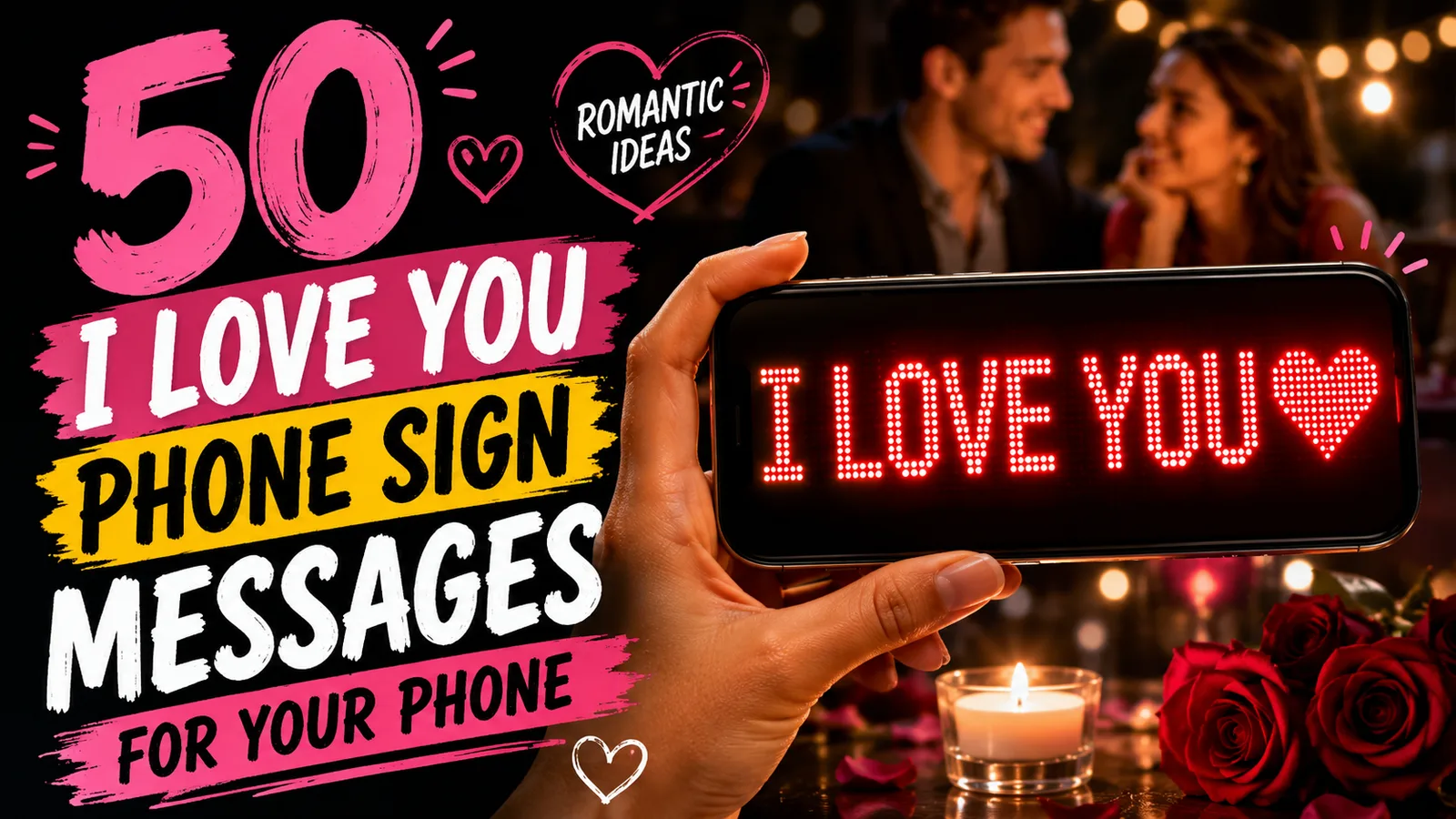
An I Love You scrolling text turns a familiar phrase into a small reveal: the message moves across the screen, catches someone's attention, and feels more deliberate than an ordinary notification.
The simplest way to make one is to type a short love message into a scrolling text app, choose a bright color on a dark background, slow the movement enough to read, and show it fullscreen with your phone in landscape mode.
If you need a message immediately, start with one of these:
- I LOVE YOU ❤️I LOVE YOU ❤️
YOU FEEL LIKE HOMESTILL CHOOSING YOUMY FAVORITE PERSONI'D FIND YOU IN EVERY LIFETIME
Below you will find 50 romantic scrolling text ideas, including short declarations, cute messages, lines with a name, long-distance messages, and anniversary wording.
Table of contents
- What does I Love You scrolling text mean?
- 50 I Love You scrolling text messages
- Short and classic love messages
- Cute scrolling messages
- Personalized messages with a name
- Long-distance love messages
- Anniversary and special-moment messages
- How to create I Love You scrolling text on your phone
- Best settings for romantic scrolling text
- How to choose the right message
- FAQ
What does I Love You scrolling text mean?
People usually mean one of two things when they search for I Love You scrolling text.
The first is a long copy-and-paste message that creates a staircase, wave, or repeated pattern inside a chat. The reader scrolls vertically through dozens or hundreds of repeated lines.
The second is a large animated message that moves horizontally across a phone or computer screen like an LED banner. This version works well when you want someone nearby to see the words from across a room, through a window, in a crowd, or during a surprise.
This guide focuses on the second version: a short romantic message displayed clearly on your screen. You can make it in the free online scrolling text tool or use LED Scroll Display on your phone when you want more control over the appearance.
The message itself still matters more than the effect. A simple line that sounds like you will usually feel more personal than a long quotation chosen only because it looks romantic.
50 I Love You scrolling text messages
These messages are designed for a moving phone display. Most are short enough to understand in one pass, but specific enough to feel like more than a generic greeting.
Copy one exactly, replace the name, or use it as the first draft of something that belongs to the two of you.
Short and classic love messages
Use these when you want the words to be unmistakable and easy to read from a distance.
- I LOVE YOU ❤️I LOVE YOU ❤️
LOVE YOU ALWAYSYOU & ME, ALWAYSFOREVER STARTS WITH YOUI CHOOSE YOUYOU HAVE MY HEARTSTILL FALLING FOR YOUMY HEART IS YOURSALWAYS YOUI'D CHOOSE YOU AGAIN
The shortest option is often the strongest. If you are holding the phone up across a room or revealing it through a window, I LOVE YOU ❤️ can be read immediately without losing the moment.
Cute scrolling messages
These lines feel lighter and more playful while still making the intention clear.
YOU'RE MY FAVORITE NOTIFICATIONMY FAVORITE PLACE IS NEXT TO YOUYOU MAKE MY HEART DO THE THINGI LIKE YOU MORE THAN SLEEPYOU'RE MY BEST DECISIONMY FAVORITE HUMAN ❤️HOME IS WHERE YOU AREYOU MAKE ORDINARY DAYS BETTERI'M KEEPING YOUYOU'RE CUTE. THAT'S THE MESSAGE.
A playful message works best when it sounds natural coming from you. If the two of you normally joke with each other, a perfectly polished quotation may feel less personal than one slightly silly line.
For a message that leans fully into humor, browse these funny scrolling text messages.
Personalized messages with a name
Adding a name instantly tells the other person that the display was made for them. Replace the bracketed text before showing the message.
[NAME], I LOVE YOUHEY [NAME], YOU'RE MY PERSON[NAME] + ME = MY FAVORITE STORYI'D FIND YOU AGAIN, [NAME][NAME], YOU FEEL LIKE HOMEMY HEART CHOSE YOU, [NAME]STILL CRAZY ABOUT YOU, [NAME]YOU'RE THE BEST PART, [NAME]EVERY DAY, I CHOOSE YOU, [NAME][NAME], WANT TO KEEP DOING LIFE TOGETHER?
Use the name once rather than repeating it throughout a long sentence. Names create visual width, and very long lines take more time to cross the screen.
Nicknames work too. The name you actually use in private will often land better than a formal name, even if it is less poetic.
Long-distance love messages
A scrolling display can turn a video call, station reunion, or arrival pickup into a more memorable moment.
WORTH EVERY MILEDISTANCE NEVER CHANGED USI MISS YOUR FACESAME MOON, SAME USCOUNTING DOWN TO YOUMY HEART HAS YOUR ADDRESSFAR AWAY, STILL MY PERSONTHE WAIT ENDS WITH YOUONE DAY CLOSERWELCOME BACK, MY LOVE ❤️
For an airport or station reunion, put the useful information first if recognition could be difficult. A clear WELCOME BACK, MAYA ❤️ is better than a beautiful line that never shows the person's name.
If you are planning that kind of reveal, the airport pickup sign ideas guide includes more welcome-home and name-sign wording.
Anniversary and special-moment messages
These lines work for anniversaries, dates, birthdays, small surprises, and moments when you want to acknowledge your shared history.
STILL MY BEST YESANOTHER YEAR, STILL YOUBEST CHAPTER YETI LOVE THE LIFE WE'RE BUILDINGYOU'RE STILL MY FAVORITE STORYFROM THEN TO ALWAYSMY FAVORITE MEMORIES HAVE YOU IN THEMI'D FIND YOU IN EVERY LIFETIMEMORE US, PLEASEREADY FOR OUR NEXT CHAPTER?
For a proposal or another important question, let the message stop or repeat slowly after it appears. A fast-moving question can make the other person concentrate on reading when you want them to react.
How to create I Love You scrolling text on your phone
You do not need to build an animation or edit a video. The practical workflow takes less than a minute:
- Open LED Scroll Display or the online scrolling text version.
- Type your chosen message and replace any placeholder name.
- Choose a clear font and a bright text color.
- Set a dark background and slow or medium movement.
- Rotate the phone to landscape and switch to fullscreen.
- Preview the complete message once before showing it.
If this is your first time creating a moving phone sign, How to Make Scrolling Text on Your Phone explains the full setup and the most common readability mistakes.
Use the browser for a quick message
The web tool is the fastest option when you want to create a message immediately without installing anything. Open it, enter the text, adjust the display, and use the browser's fullscreen view where available.
Use the app when presentation matters
The mobile app is useful when you want a saved setup, more visual control, or a display you expect to use again. Prepare the message before the moment arrives, then test the speed and screen brightness in similar lighting.


Best settings for romantic scrolling text
Romantic colors help set the tone, but readability should make the final decision.
| Situation | Message style | Speed | Color and background |
|---|---|---|---|
| Across a room | 2-5 words | slow | bright red, pink, or white on black |
| Quiet surprise nearby | 4-8 words | slow to medium | warm white or pink on a dark background |
| Airport or station reunion | name plus short greeting | slow | maximum contrast, minimal decoration |
| Video call reveal | 3-7 words | medium | bold color that stays visible on camera |
| Anniversary dinner | one personal sentence | slow | warm red, soft pink, or white on charcoal |
Keep the message short
Every extra word increases the time before the message repeats. If someone must wait too long to understand it, shorten the line rather than making the text move faster.
Use one or two emojis
A heart, sparkle, or familiar private emoji can add personality. A row of six different symbols competes with the words and makes the message look less intentional.
Test the full loop
Read the message from the position where the other person will see it. Make sure the beginning is obvious, the end remains onscreen long enough, and the complete line can be understood in one pass.
Adjust brightness for the environment
A dark romantic setting may need less brightness than an airport terminal or a daytime window. Raise brightness only as far as needed so the glow supports the moment instead of overwhelming it.
How to choose the right message
Start with the relationship, not the search result.
Choose a classic message when the reveal itself is the surprise. I LOVE YOU ❤️ leaves no ambiguity and works from almost any distance.
Choose a cute message when humor is part of how you communicate. YOU'RE MY FAVORITE NOTIFICATION feels affectionate without becoming overly serious.
Choose a personalized message when the setting is public or crowded. A name makes the intended reader obvious and reduces the chance that the display feels generic.
Choose a shared-memory message when you want the words to belong only to you. A short reference to a place, date, song, food, or private joke can be more meaningful than any universal love quotation.
Before committing, say the line aloud. If it does not sound like something you would ever say, rewrite it in your own voice.
Common mistakes to avoid
- Writing a paragraph: moving text needs tighter wording than a card or private message.
- Scrolling too quickly: excitement does not help if the important person misses half the sentence.
- Using low contrast: red on pink may look romantic up close but disappear from a distance.
- Adding too many effects: the message should remain the visual focus.
- Forgetting the name: in a reunion or public setting, recognition comes before poetry.
- Testing only at arm's length: check the display from the actual viewing distance.
The best romantic scrolling text feels effortless because the setup disappears. The other person notices the words, not how hard the screen is making them work.
FAQ
How do I make an I Love You scrolling text on my phone?
Type a short romantic message into a scrolling text app or online tool, choose a high-contrast color combination, set a readable speed, and show it in fullscreen landscape mode.
What should I write in a romantic scrolling message?
Use one clear thought such as I LOVE YOU, I CHOOSE YOU, YOU FEEL LIKE HOME, or a short message personalized with the person's name. Short wording is easier to read and usually feels more confident.
Can I add a name or emoji to I Love You scrolling text?
Yes. A name makes the message more personal, and one or two familiar emojis can add warmth. Avoid adding so many symbols that the words become harder to read.
What colors work best for romantic scrolling text?
Red, pink, warm white, and soft purple all fit a romantic message, but contrast matters most. Bright text on a black or very dark background is usually the safest readable combination.
Make the message yours
The animation gets attention, but the personal detail is what makes it memorable. Choose one short line, add the name or phrase only the two of you use, and make sure it can be read without effort.
When you are ready, create it with the free online scrolling text tool or use LED Scroll Display to prepare a fullscreen phone message you can save and show at the right moment.